
Unable to find course in Dashboard

If the email you received from us does not include an Accept invitation button, the troubleshooting steps below will not apply to you.
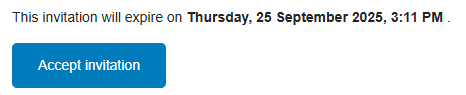
Image: Accept invitation button on the invitation email to access the course
If you received an invitation email from Lumify Work – Digital Hub but your course isn’t showing in the Dashboard, there are two common reasons:
Issue 1: Account created with a different email
Our system only recognises the email address the invitation was sent to. If you created your account using a different email, you’ll need to create a new account using the same email address where you received the invitation. Then, follow the steps in the invitation email.
Issue 2: “Accept invitation” button not clicked
If you created your account with the correct email but still can’t see the course, it’s likely that you didn’t click the Accept invitation button in the email.
Here is what to do:
Open the original invitation email you received from Lumify Work - Digital Hub
Click the Accept invitation button in that email
Once you’ve done this, your course should appear in your Dashboard.
If neither of the above solves the problem, please raise a support ticket and we’ll investigate further.