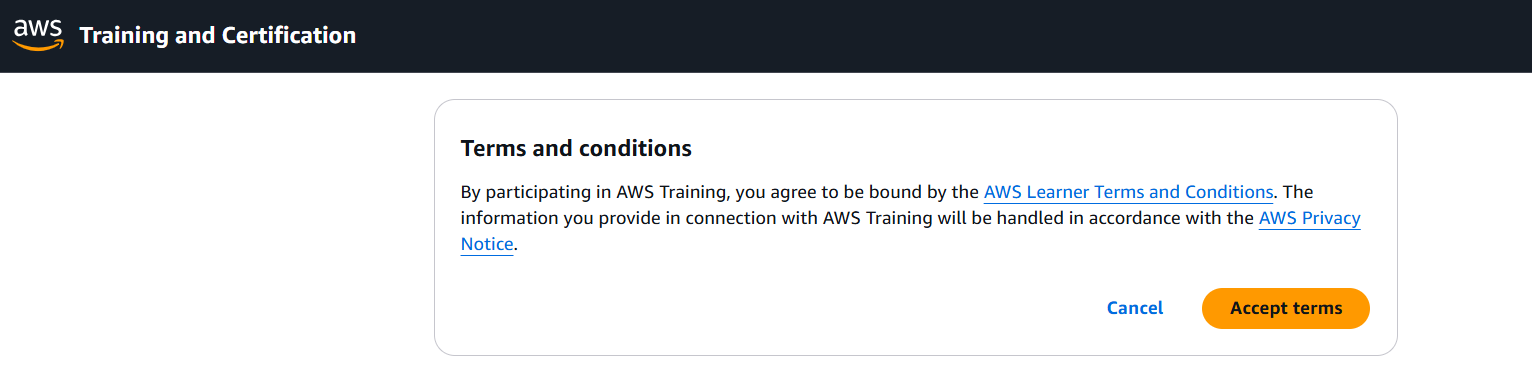
Create your account on AWS Skill Builder
We would like you to follow the below steps to create an account/ID on AWS Skill Builder prior to the upcoming Focus Session.
 Important note: Make sure that your AWS Skill Builder ID email is the same as your CloudUp registered email (in the course).
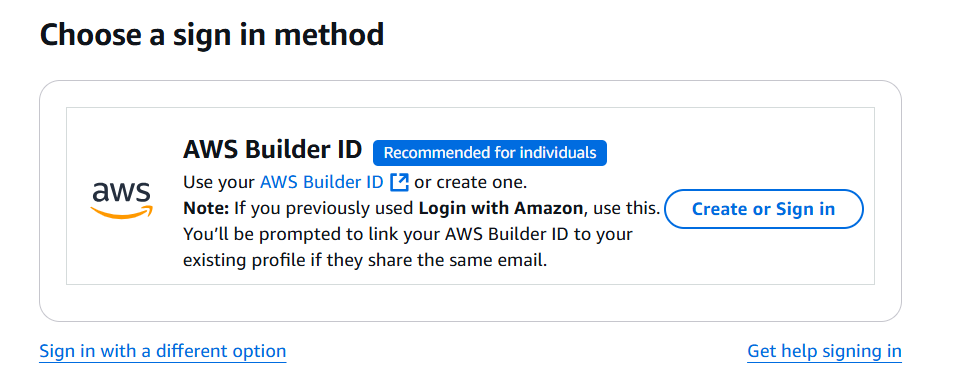
Create an account on AWS Skill Builder or Sign-in
Skip the below steps and jump to STEP 5, if you already have an account
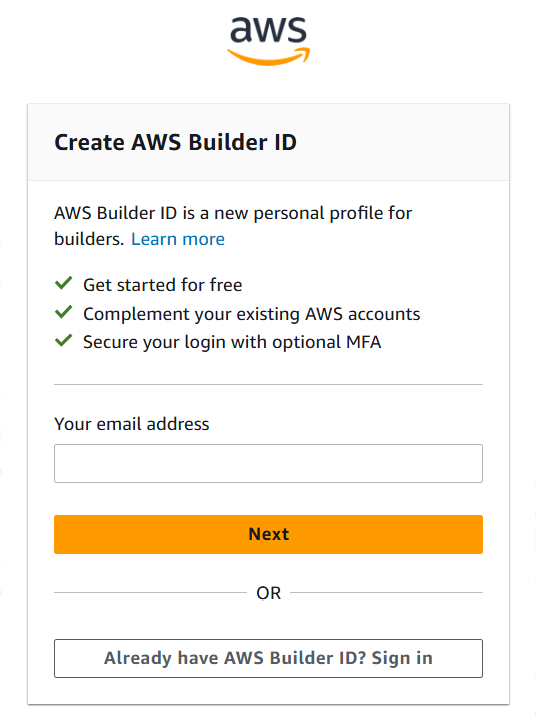
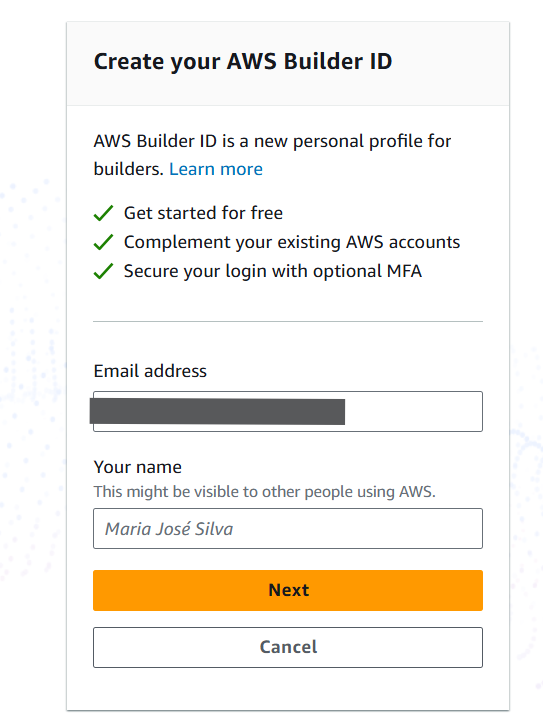
Provide your email (Use the same email you used to register for this program to create your Skill Builder account)
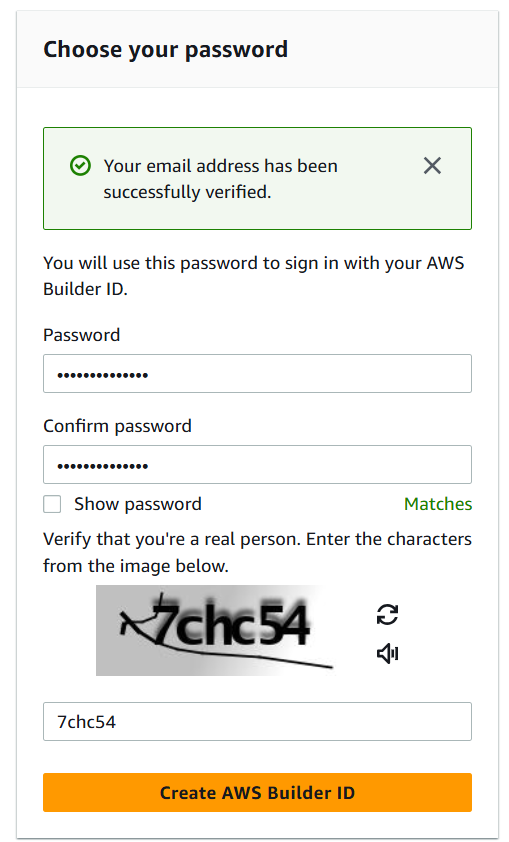
Verify your email and set your password
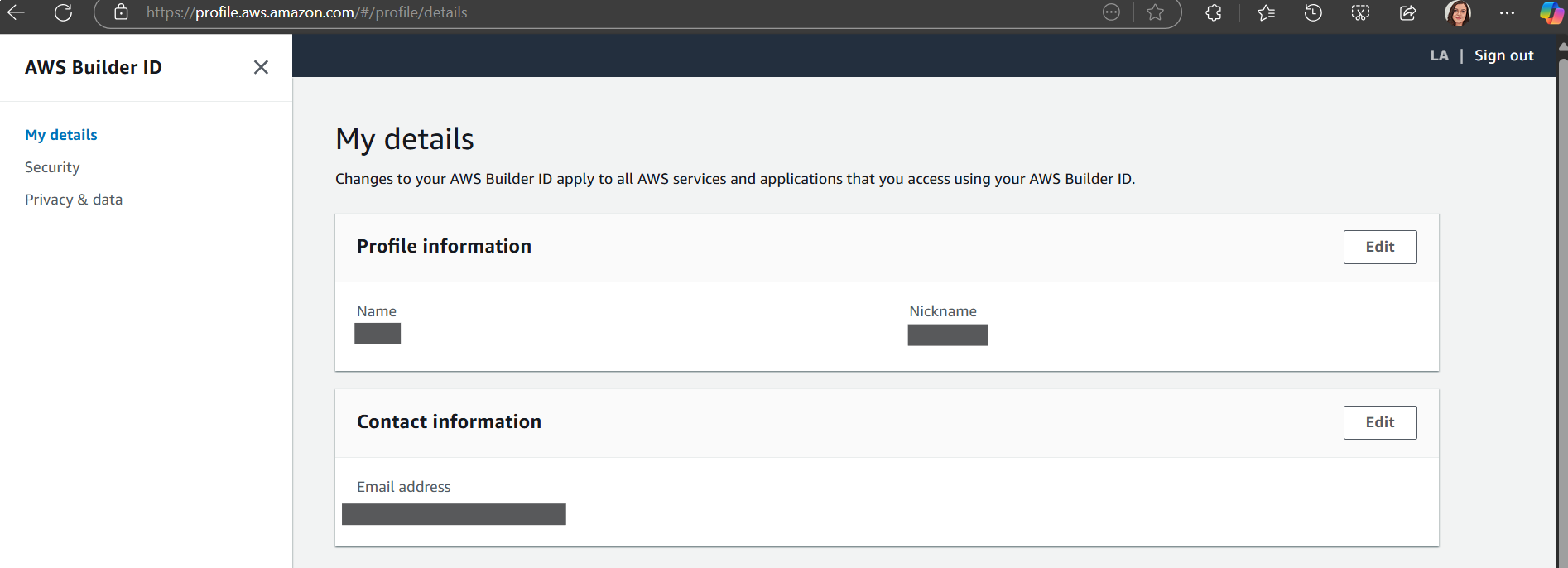
Now your Skill Builder ID/account is created, you will be taken to your profile.
Follow the class link provided by trainer during the session or grab it from your course page under the Quick link