
MFA Code Not Valid
This article is applicable when user trying to sign up (create an account) or sign in and receive the below error. Refer to the screen grab as well.
Claim not verified: [Email Address]
That code is incorrect. Please try again.
Steps recommended to follow to successfully sign up or sign in without the error mentioned above:
Supply the multi factor authentication (MFA) code you received under the Verification code field
Not click on Verify code
Then click on Continue and follow the prompts afterwards
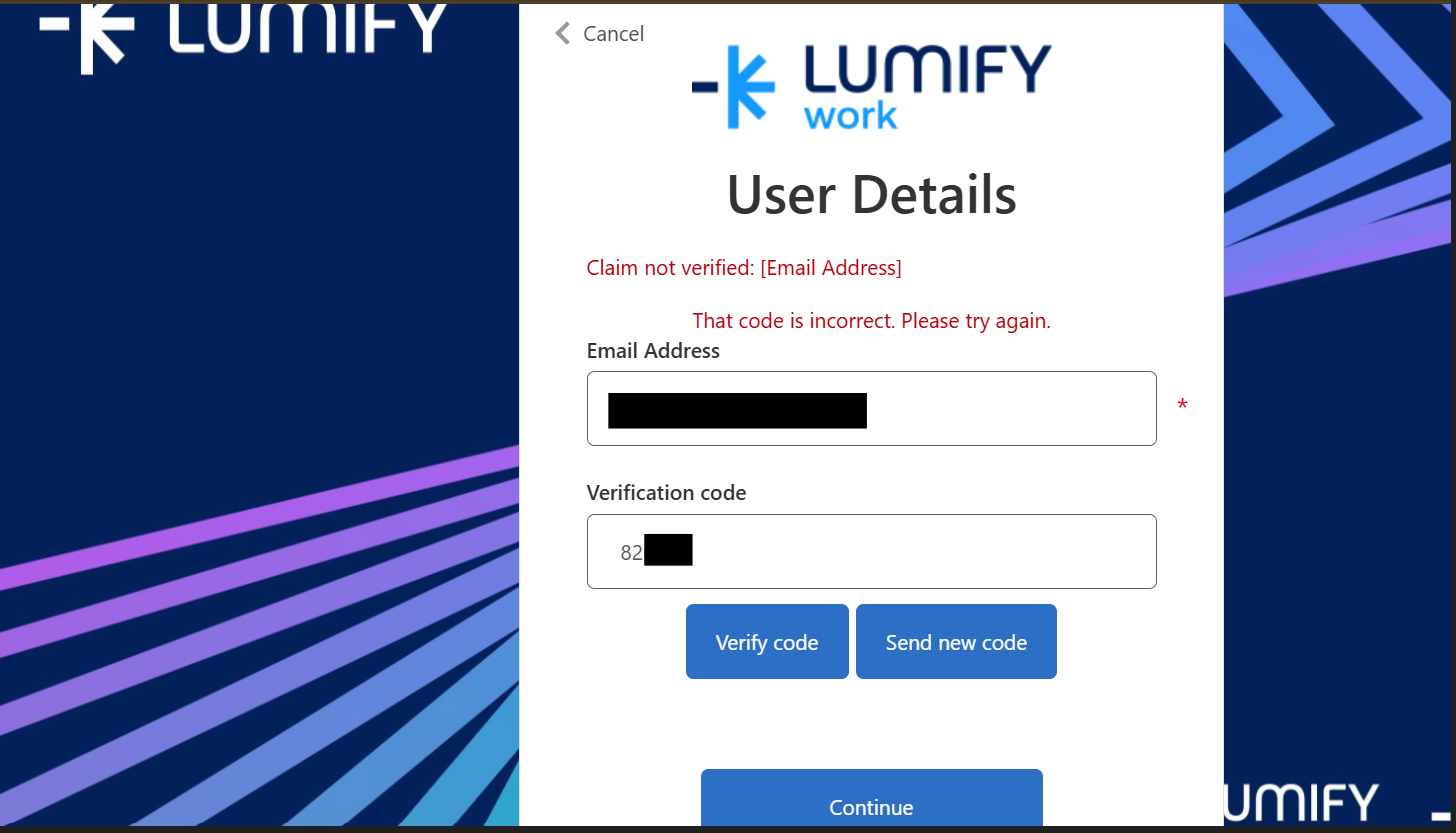
User receiving incorrect code error and email claim not verified error
Potential Issue: You clicked Continue button before actually verifying the code.