
How to Get and redeem your Course Materials
Course materials are not included in all programs, so if your course include course material, your account on Digitalhub will include a section to “request your courseware”. if you don't have this section, you don't need to continue reading.
How to request your Course Material
click on request this Courseware.
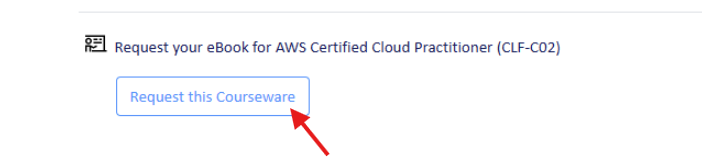
2. you will then see that the status changed to "Requested".

3. Our team then will approve your request within 24 hrs, you will then see that the status changed to "Assigned".
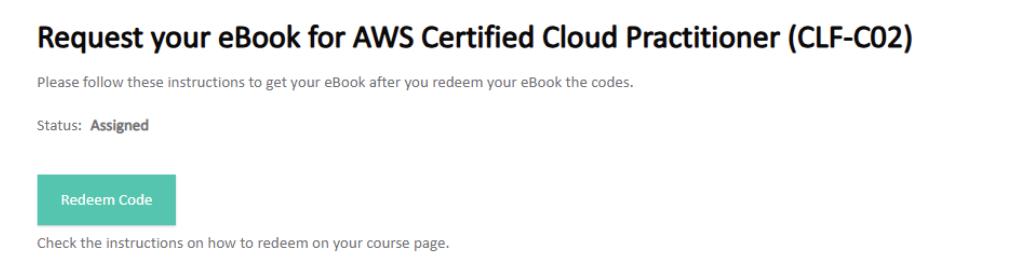
Click on Redeem and you will access your Course material Code.
Follow the following instruction to then to access the course material
Instructions to get your eBook ( Course Material)