Expected Changes for Learners - Digital Hub Upgrade [August/September 2025]

As part of our continuous improvement strategy, we are upgrading the core of Digital Hub for better performance, functionality and security. As a result some minor look and feel changes are expected to take place, refer to the below for the changes.

Scheduled upgrade and outage date & time

  • Thursday, 28 August 2025 from 9 PM to 1 AM AEST

  • Thursday, 4 September 2025 from 9 PM to 1 AM AEST

Will I receive any email communications?

  • Since the outage is scheduled to be after hours with minor look & feel changes, we prefer keeping you informed via the Digital Hub login page.

Expected UI Changes after the Digital Hub Upgrade

Description

Current

After Upgrade

1

Welcome message on Dashboard

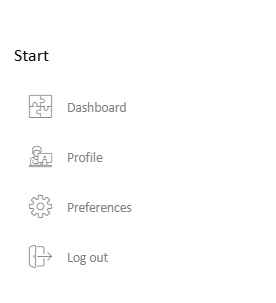
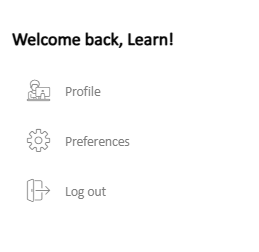
  • Once logged in the user can see a message, “Welcome back, User’s name!” on the left navigation panel of the Dashboard.

image-20250807-024647.png

image-20250807-024710.png

2

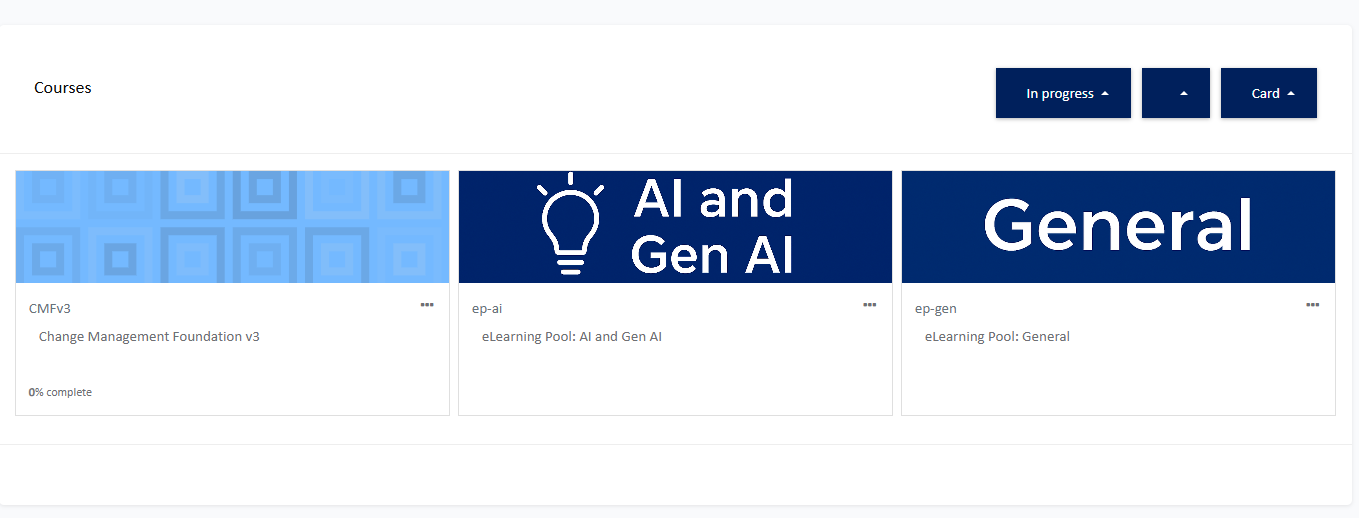
Clean and Improved Dashboard

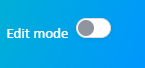
  • Dashboard customisation option moved on the top right corner as Edit Mode

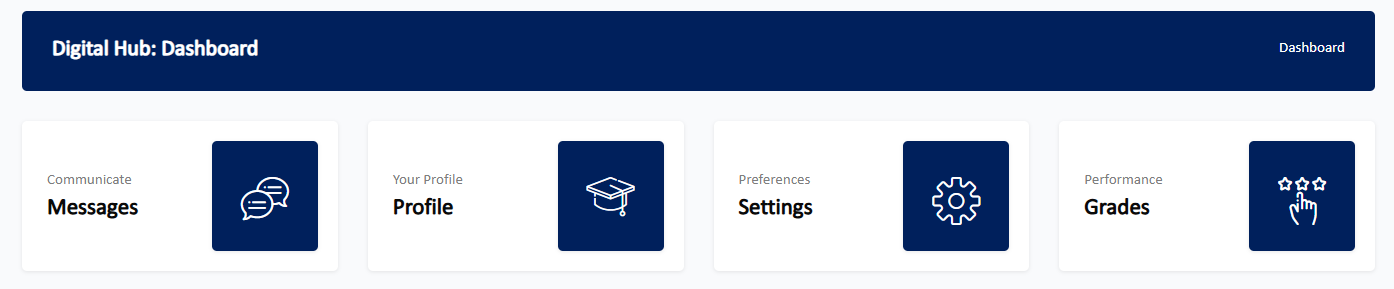
  • Messages, Profile, Settings and Grades blocks removed from the Dashboard

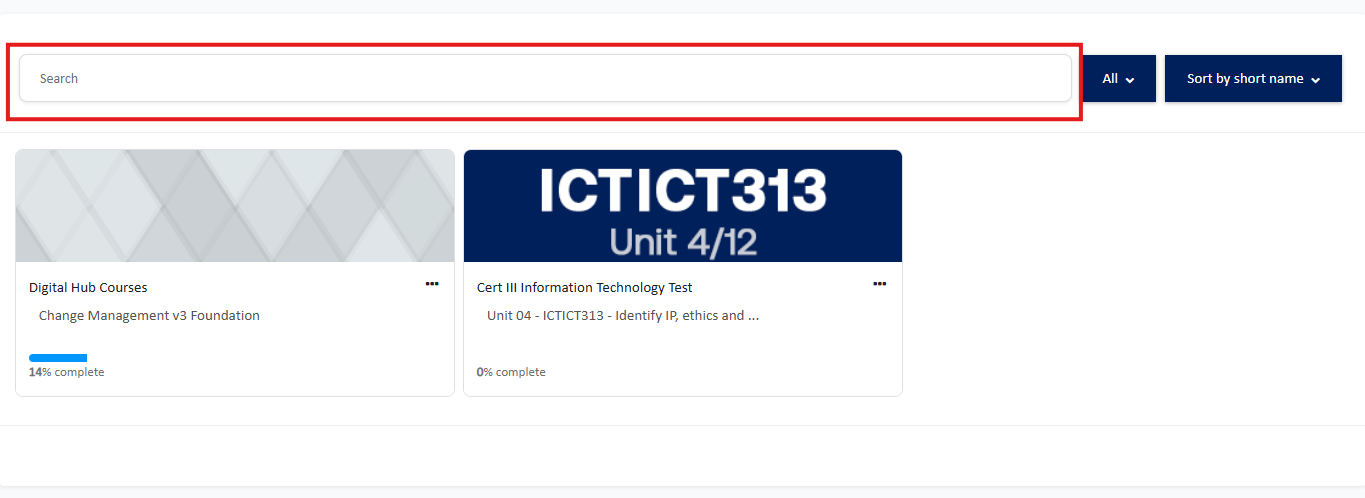
  • Added option to search your course

  • Option to customise dashboard

image-20250807-031514.png

  • Messages, Profile, Settings and Grades blocks on Dashboard page

image-20250807-031639.png
  • No option to search your course on Dashboard

image-20250807-032059.png

  • Option to customise/edit dashboard

image-20250807-031750.png

  • Removed Messages, Profile, Settings and Grades blocks

image-20250807-031843.png

  • Course search option on top of your courses block

image-20250807-032349.png

3

Decluttered Navigation

  • Removed display of all courses enrolled on the navigation menu

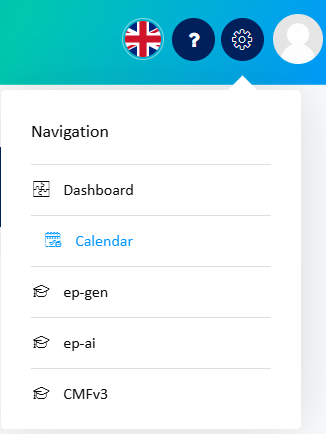
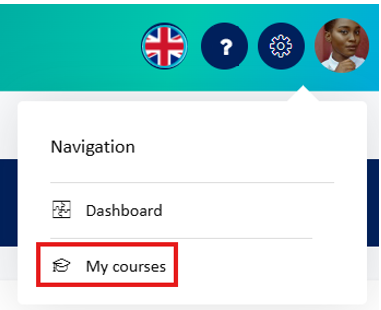
  • Calendar option moved to the user menu (available when clicked on Profile icon)

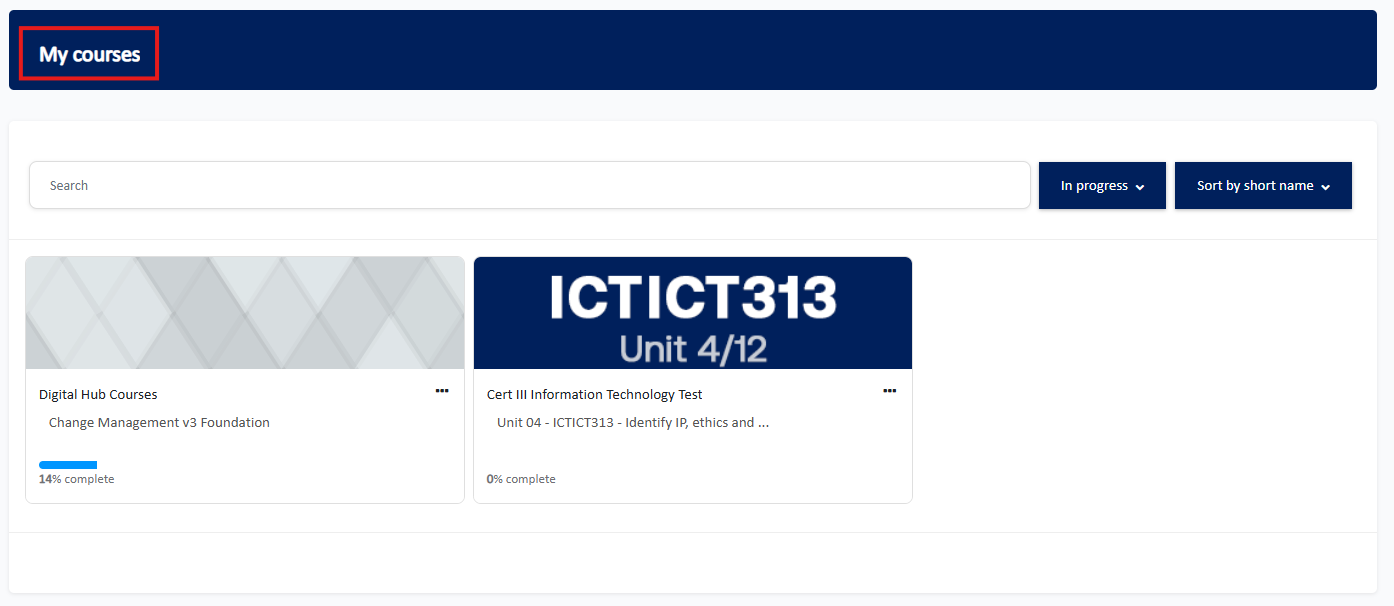
  • Added a separate my courses page

  • Navigation menu displays list of courses enrolled

image-20250807-032738.png

  • Replaced courses list with My Courses option

image-20250807-035412.png

  • My courses page

image-20250807-035530.png

4

Course Page: Collapsible Course Navigation

  • Easier course navigation

  • No left sidebar/ navigation pane

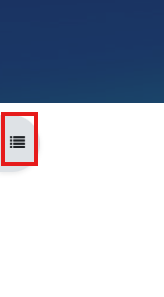
  • Click to expand the course navigation/index pane on the left

image-20250807-035846.png
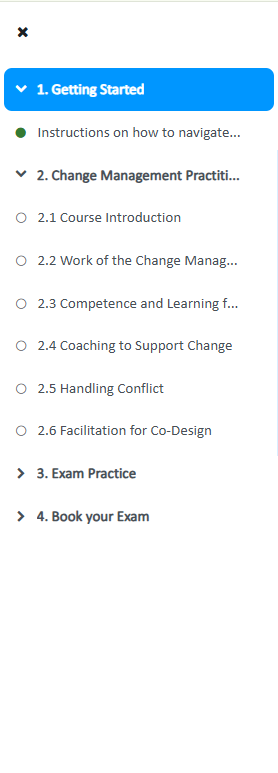
  • Clear overview of the course topics, modules and completion status (Green fills for completed modules requiring completion)

  • Click X (cross) to close the navigation pane

image-20250807-040033.png

5

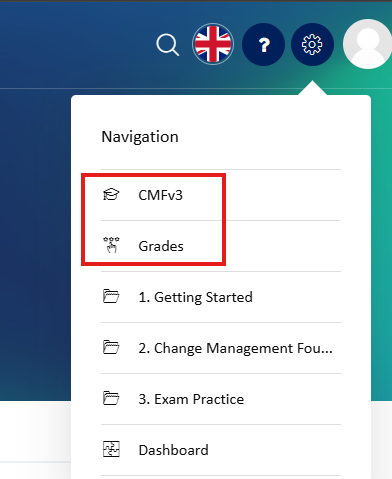
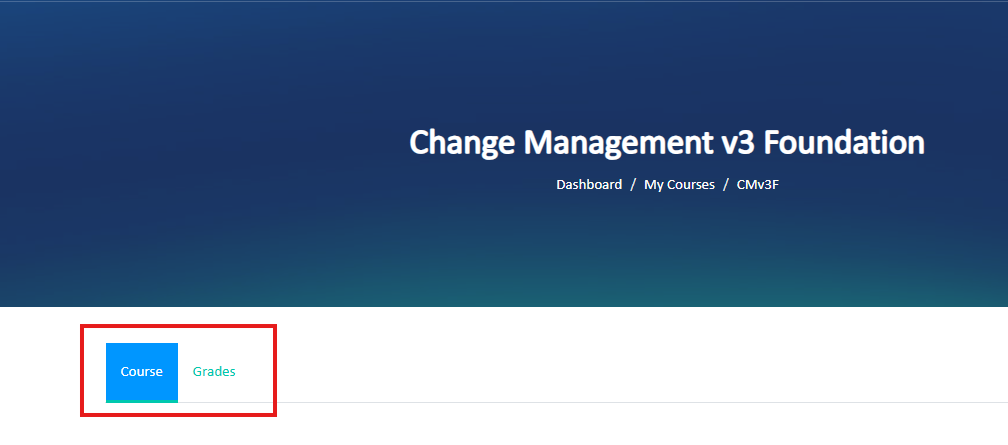
Course Page: Navigation tab

  • Quicker navigation via the tabs (Course <<>> Grades)

  • No tabs, however, these options were available via the global navigation menu (top right corner) while accessing the course

image-20250807-042242.png

  • Option to switch between the main course page and the gradebook via the tabs on top of the course main page

image-20250807-042433.png

6

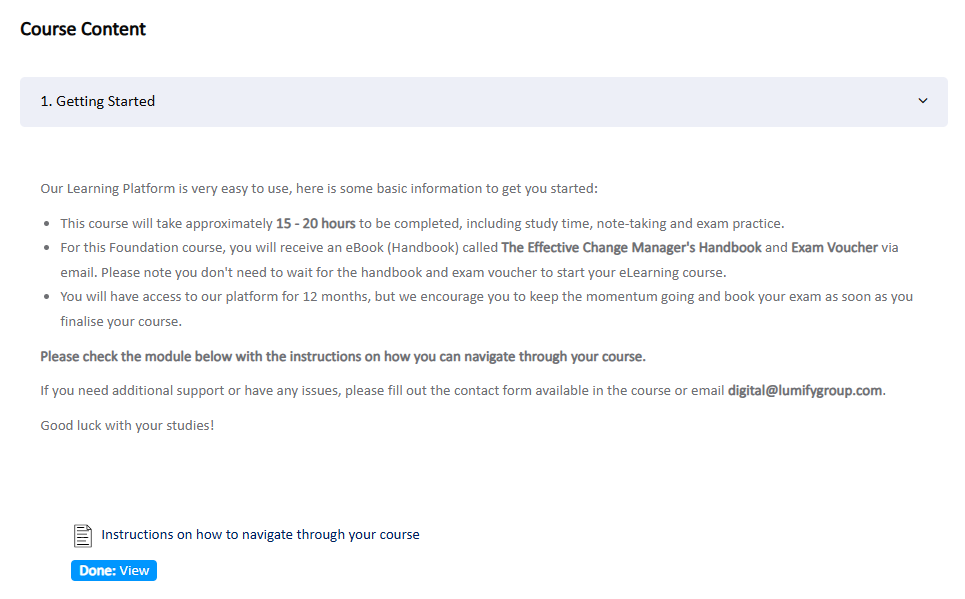
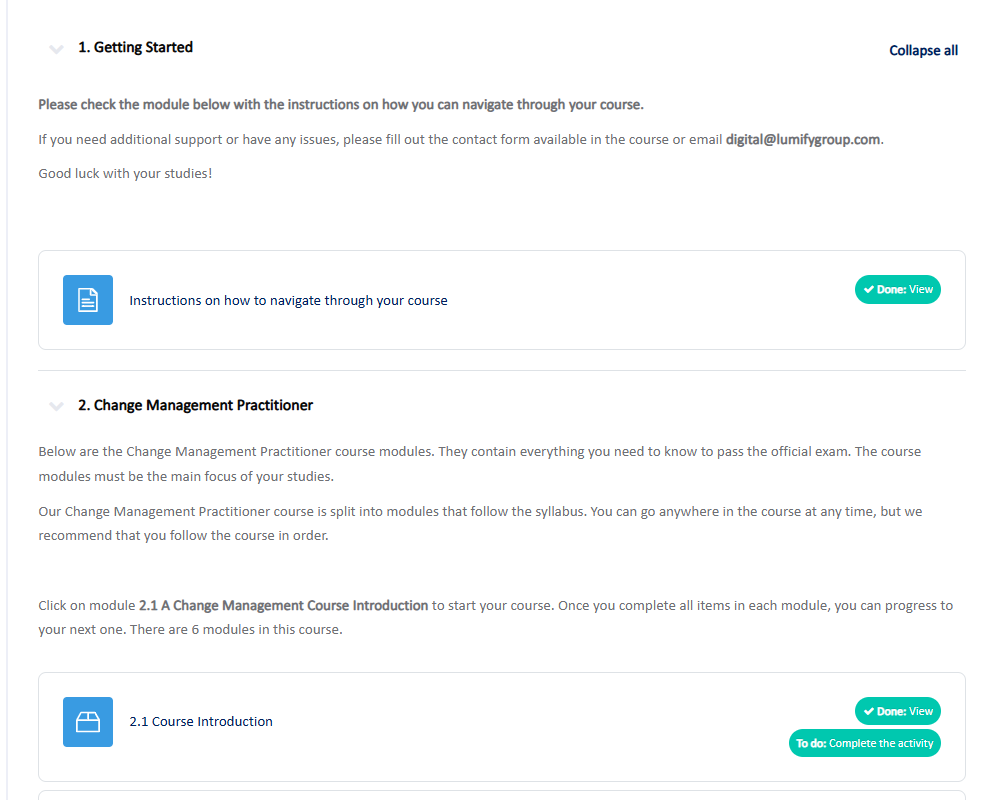
Distinct Modules and Completion Criteria

  • Modules placed in a separate box, separating from the topic/section description

  • Clear module completion criteria on the right with the check mark when completed

  • No box separators between the modules and the section description.

image-20250807-042910.png

  • No check mark when module/activity completion criteria is met

image-20250807-043057.png
  • Clear separation between section/topics and course modules

image-20250807-043221.png

  • Check mark displayed when activity/module completion criteria is met

image-20250807-043311.png

If you require any support, have any queries or feedback related to this upgrade, please don’t hesitate to reach us at Digital@lumifygroup.com.

JavaScript errors detected

Please note, these errors can depend on your browser setup.

If this problem persists, please contact our support.