Disable Multi-factor Authentication
You can disable MFA on your Lumify account
Steps to disable MFA for Lumify Account:
Login to My Lumify Portal: my.lumifywork.com
Navigate to your My Profile: https://my.lumifywork.com/profile/
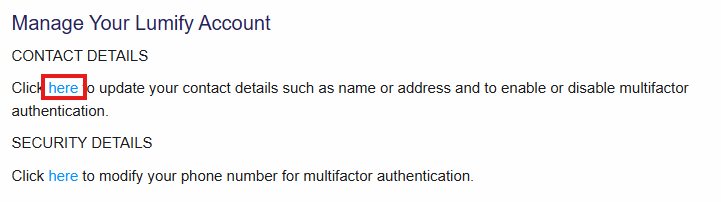
Under your profile click on: Manage Lumify Account
Under contact details: Click the link provided (refer to the image below) to Disable MFA and follow the prompts (this would require logging in again, supply MFA code before you can disable it)