Expected Changes for Trainers - Digital Hub Upgrade [August/September 2025]

As part of our continuous improvement strategy, we are upgrading the core of Digital Hub for better performance, functionality and security. As a result some UI changes are expected to take place, refer to the below UI changes.

Upgrade and outage date & time:

  • Thursday, 28 August 2025 from 9 PM to 1 AM AEST

  • Thursday, 4 September 2025 from 9 PM to 1 AM AEST

Will I receive any email communications?

  • Since the outage is scheduled to be after hours with minor changes, we prefer notifying you via the Digital Hub login page.

Expected Changes after the Digital Hub Upgrade

Description

Current

After Upgrade

1

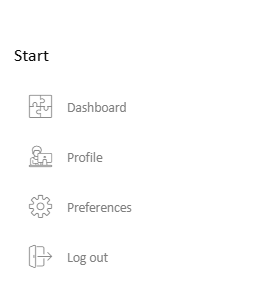
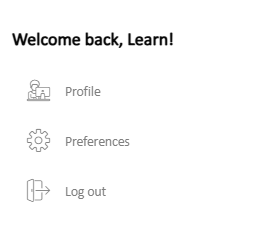
Welcome message on Dashboard

  • Once logged in the user can see a message, “Welcome back, User’s name!” on the left navigation panel of the Dashboard.

image-20250807-024647.png

image-20250807-024710.png

2

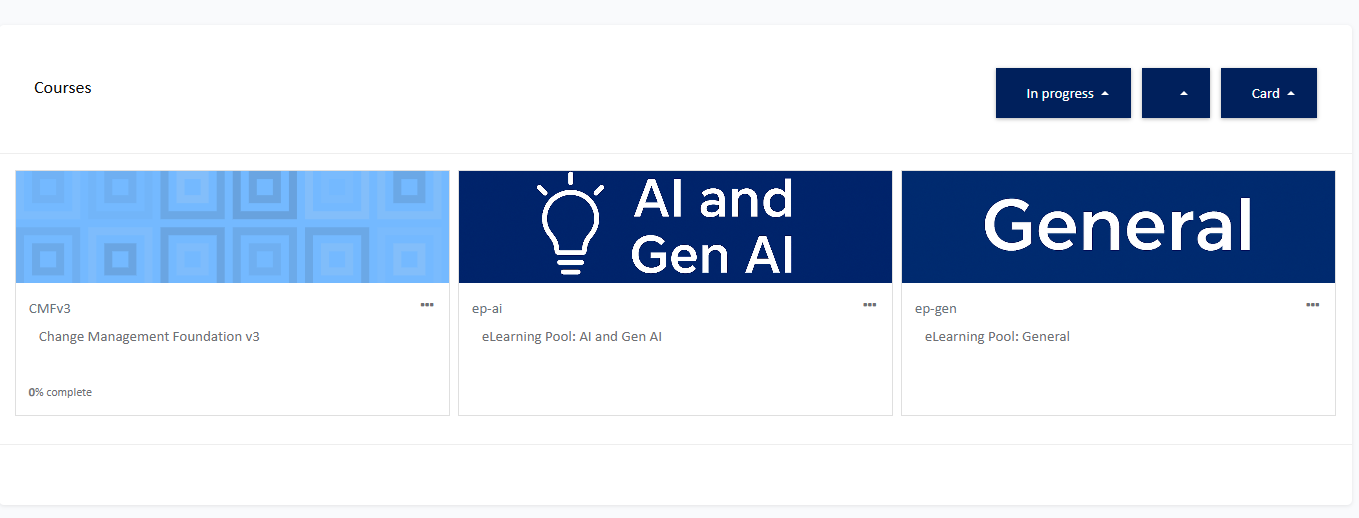
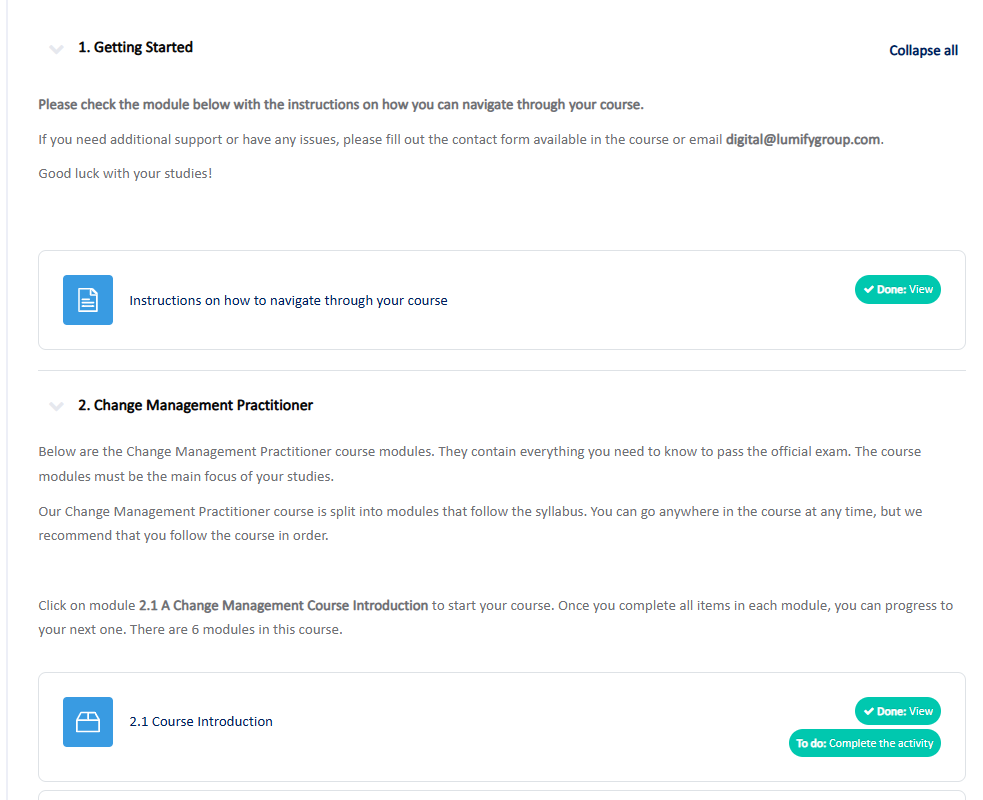
Clean and Improved Dashboard

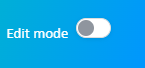
  • Dashboard customisation option moved on the top right corner as Edit Mode

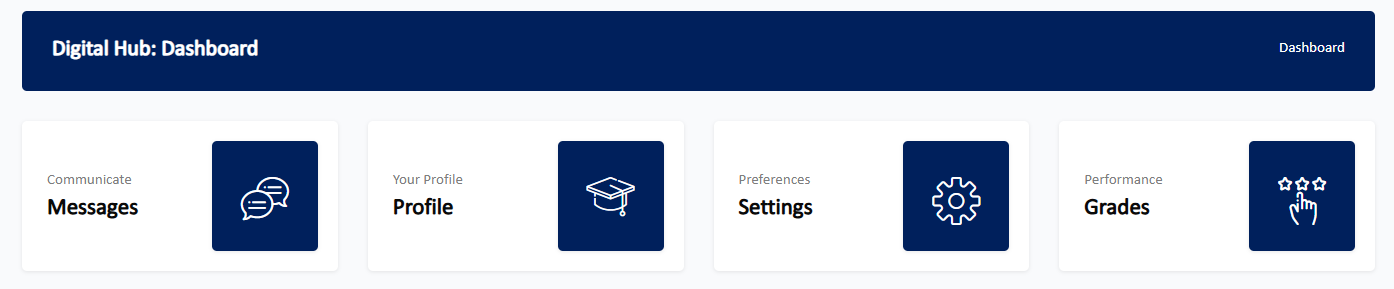
  • Messages, Profile, Settings and Grades blocks removed from the Dashboard

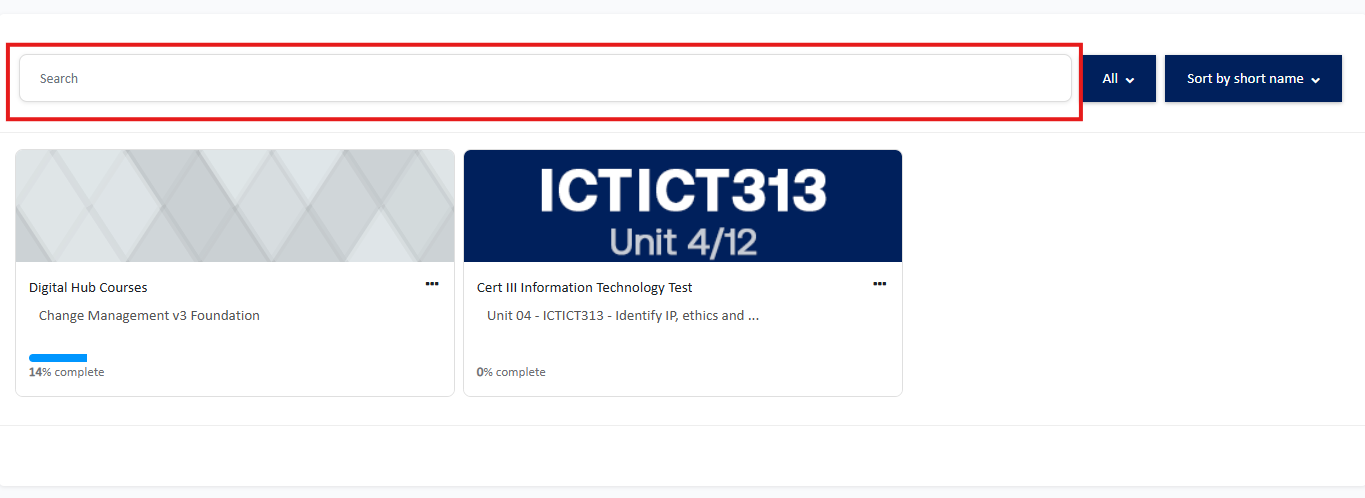
  • Added option to search your course

  • Option to customise dashboard

image-20250807-031514.png

  • Messages, Profile, Settings and Grades blocks on Dashboard page

image-20250807-031639.png
  • No option to search your course on Dashboard

image-20250807-032059.png

  • Option to customise/edit dashboard

image-20250807-031750.png

  • Removed Messages, Profile, Settings and Grades blocks

image-20250807-031843.png

  • Course search option on top of your courses block

image-20250807-032349.png

3

Decluttered Navigation

  • Removed display of all courses enrolled on the navigation menu

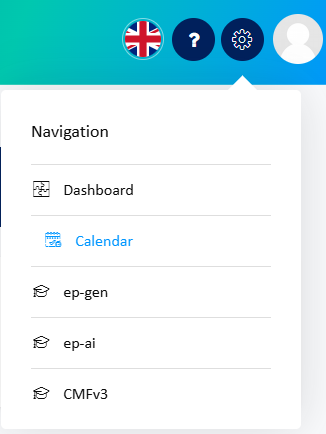
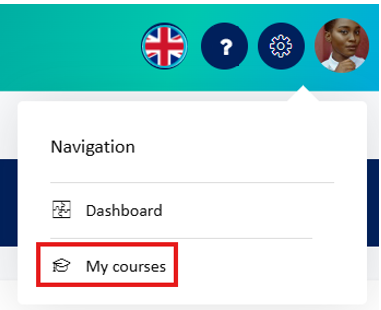
  • Calendar option moved to the user menu (available when clicked on Profile icon)

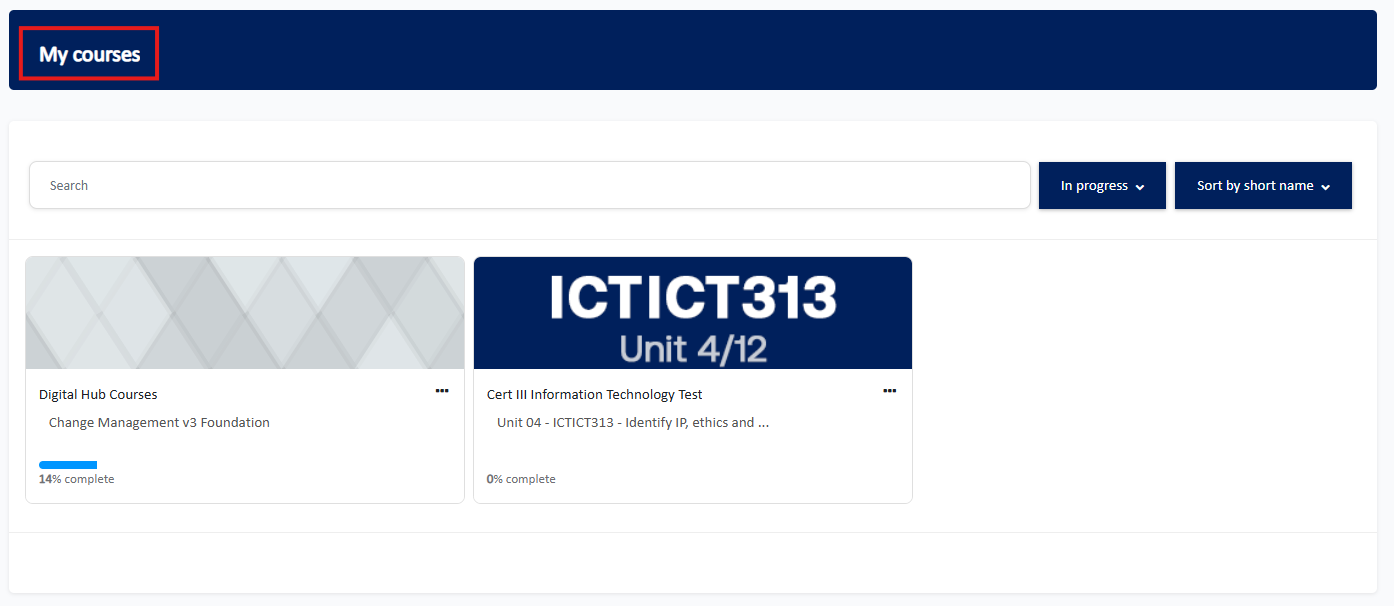
  • Added a separate my courses page

  • Navigation menu displays list of courses enrolled

image-20250807-032738.png

  • Replaced courses list with My Courses option

image-20250807-035412.png

  • My courses page

image-20250807-035530.png

4

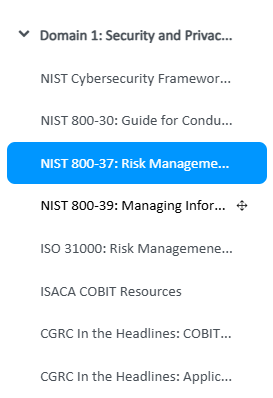
Course Page: Collapsible Course Navigation

  • Easier course navigation

  • No left sidebar/ navigation pane

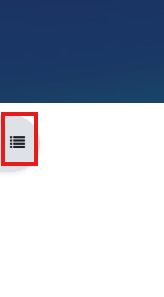
  • Click to expand the course navigation/index pane on the left

image-20250807-035846.png
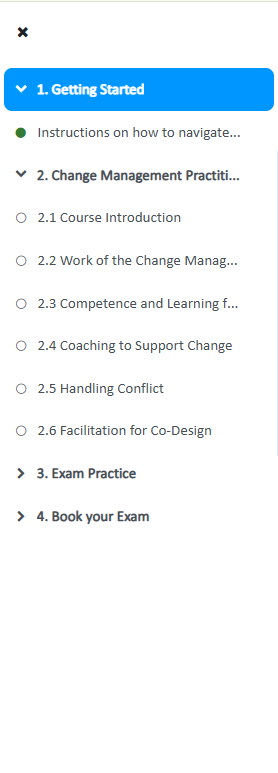
  • Clear overview of the course topics, modules and completion status (Green fills for completed modules requiring completion)

  • Click X (cross) to close the navigation pane

image-20250807-040033.png

5

Course Page: Navigation tab

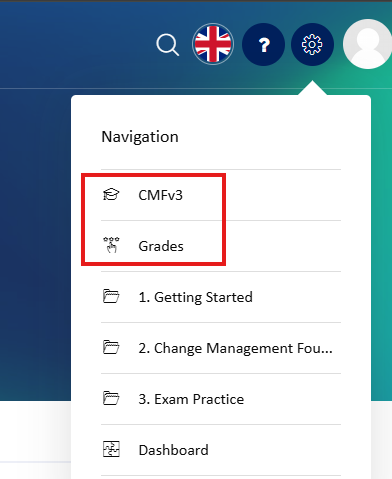
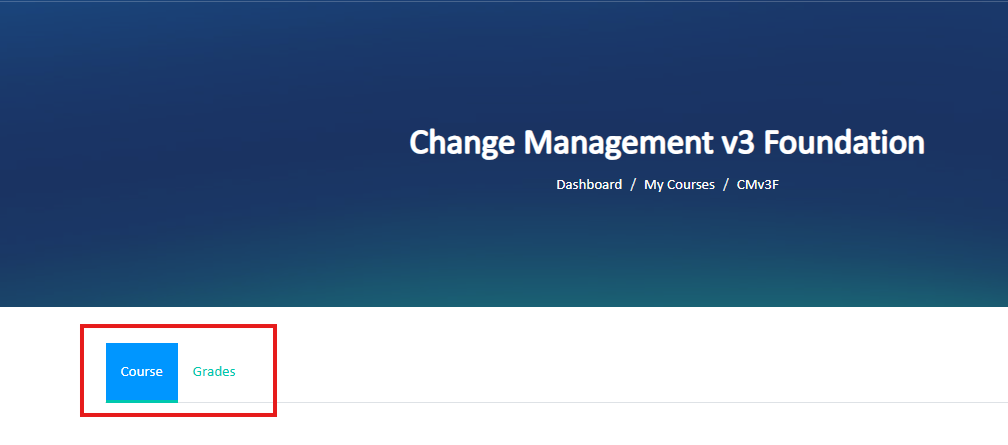
  • Quicker navigation via the tabs (Course <<>> Grades)

  • No tabs, however, these options were available via the global navigation menu (top right corner) while accessing the course

image-20250807-042242.png

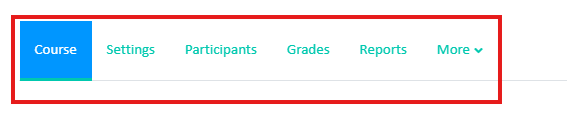
Only applicable for Trainers or role with higher privileges
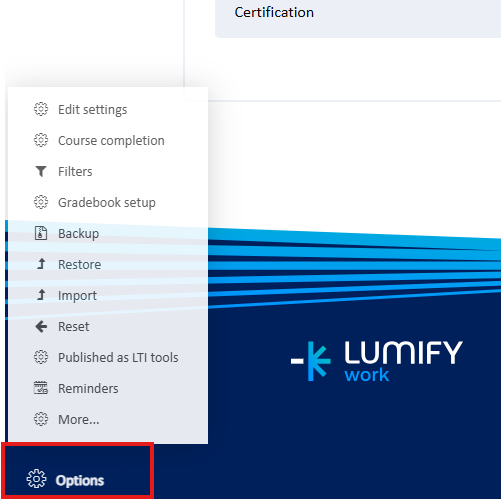
  • Course navigation and setting spread out across the page from the top corner to the bottom left corner

  • Navigation at the bottom left corner of the course page

image-20250807-122139.png

  • Navigation via the top right corner of the course page

image-20250807-122259.png

  • Option to switch between the main course page and the gradebook via the tabs on top of the course main page

image-20250807-042433.png


Only applicable for Trainers or role with higher privileges
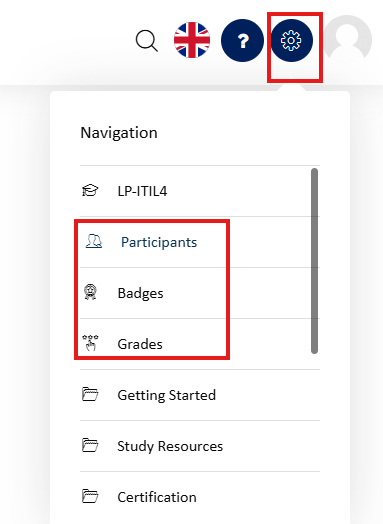
  • Single section for all of the course navigation and settings

image-20250807-122507.png

6

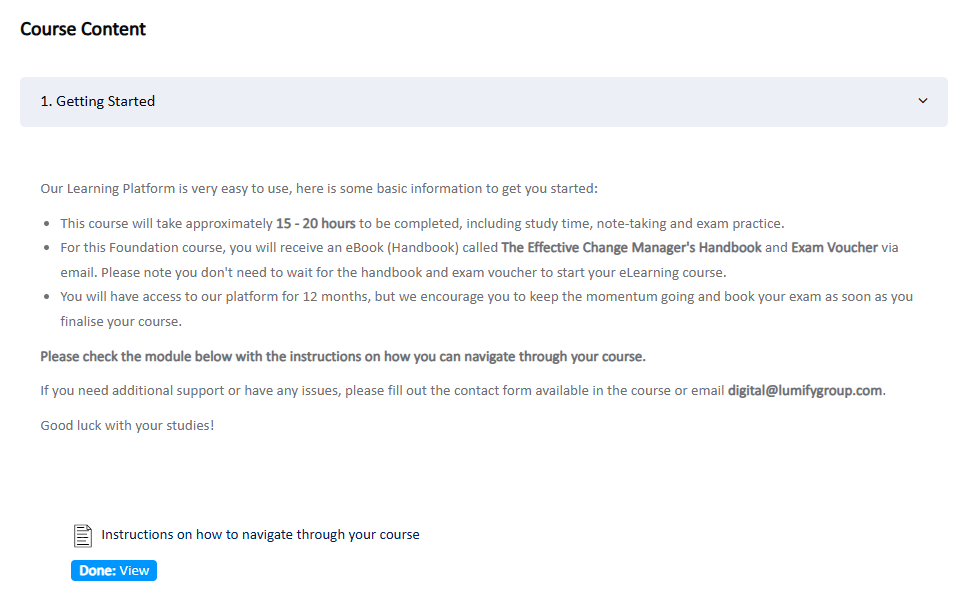
Distinct Modules and Completion Criteria

  • Modules placed in a separate box, separating from the topic/section description

  • Clear module completion criteria on the right with the check mark when completed

  • No box separators between the first module and the section description.

image-20250807-042910.png

  • No check mark when module/activity completion criteria is met

image-20250807-043057.png
  • Clear separation between section/topics and course modules

image-20250807-043221.png

  • Check mark displayed when activity/module completion criteria is met

image-20250807-043311.png

7

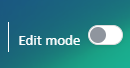
Course Page: Moved Turn editing on

  • Turn editing on button moved to top right corner as Edit mode toggle

image-20250807-090423.png

  • Turn on the editing on your course page by clicking on the toggle Edit mode on the top right corner of the course page on the navigation bar.

image-20250807-090605.png

8

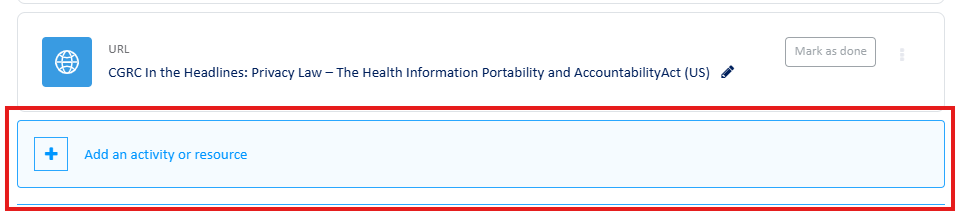
Course Page: Add an activity or resource

  • Text with the link to add an activity or resource

image-20250807-090926.png

  • Whole section as a clickable block to add an activity or resource, click anywhere on the highlighted block.

image-20250807-091106.png

9

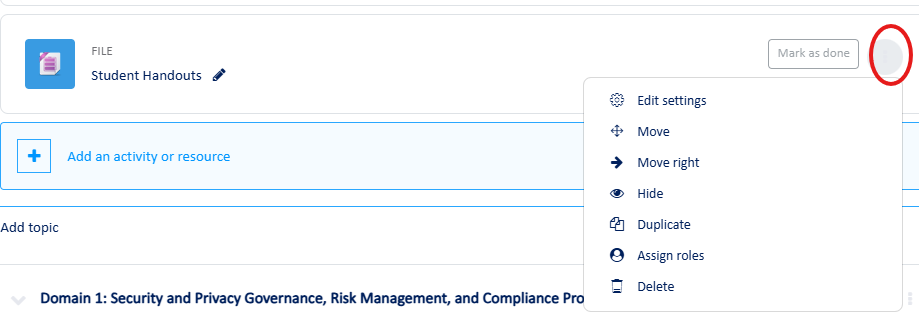
Course Page: Replaced Edit link with ellipsis menu

  • Text with the link to Edit an activity or resource

image-20250807-120254.png

  • Edit link with the menu replaced with Ellipsis menu

image-20250807-120530.png

10

Course Page: Enhanced activity dragging

  • Single point drag - activities and modules are only available to drag from the cross drag icon

image-20250807-120901.png

  • Hover, click and drag anywhere within an activity or resource when highlighted

image-20250807-121045.png
  • Easy drag and drop from the left collapsible navigation pane/course index

image-20250807-121345.png

If you require any support, have any queries or feedback related to this upgrade, please don’t hesitate to reach us at Digital@lumifygroup.com.

JavaScript errors detected

Please note, these errors can depend on your browser setup.

If this problem persists, please contact our support.