
Cloudflare Blocking Access to Digital Hub
When you were trying to access the Digital Hub, did you receive an error saying, “Sorry, you have been blocked“? Refer to the image below:
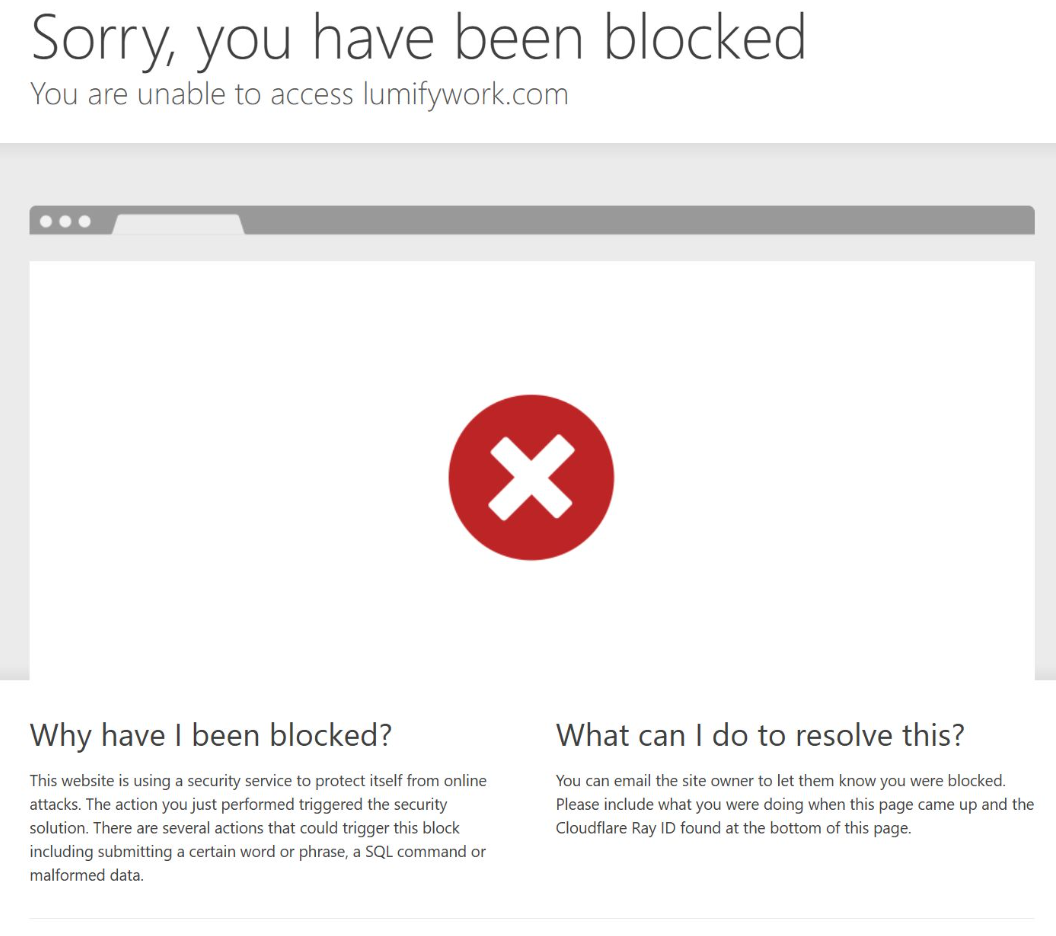
Below are the reasons why you could be receiving this error:
You are using a VPN provider which could have assigned you an IP that is listed in the blocked IP range. Solution: Disable the VPN for the time you are accessing the Digital Hub
Your VPN could potentially live on the browser level as an extension. Solution: Disable the VPN extension from your browser.
If you are not sure how to disable the extension, Go to google and ask, How to disable browser extension for [Provide your browser name, e.g. Google Chrome, Firefox, EDGE etc.]
If you still have an issue with it, please reach out to our team via email or raise a ticket via the Self-help portal with the screenshot just like above including the Cloudflare Ray ID, click on Your IP: Click to reveal on the error page and our team will further assist you to resolve this.